Adding Employees from ZenHR to NetSuite
- Log in to ZenHR and open the employee's profile.
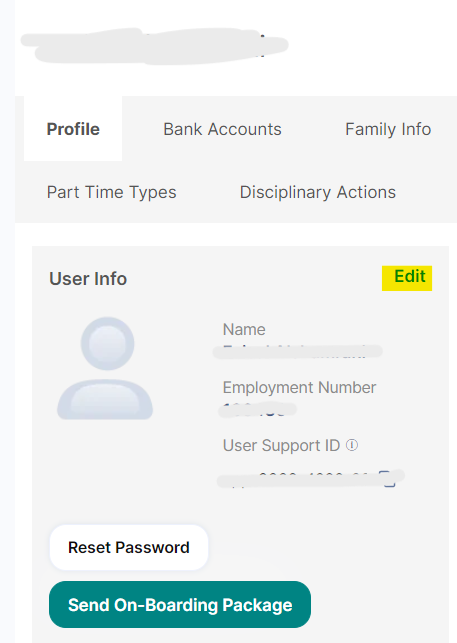
- Go to the employee's details in the "User Info" section.

- Save the changes in ZenHR by pressing "Update User".
Was this article helpful?
That’s Great!
Thank you for your feedback
Sorry! We couldn't be helpful
Thank you for your feedback
Feedback sent
We appreciate your effort and will try to fix the article